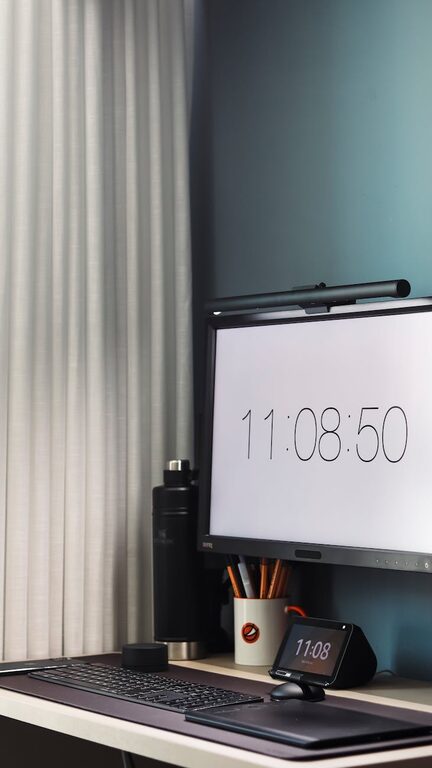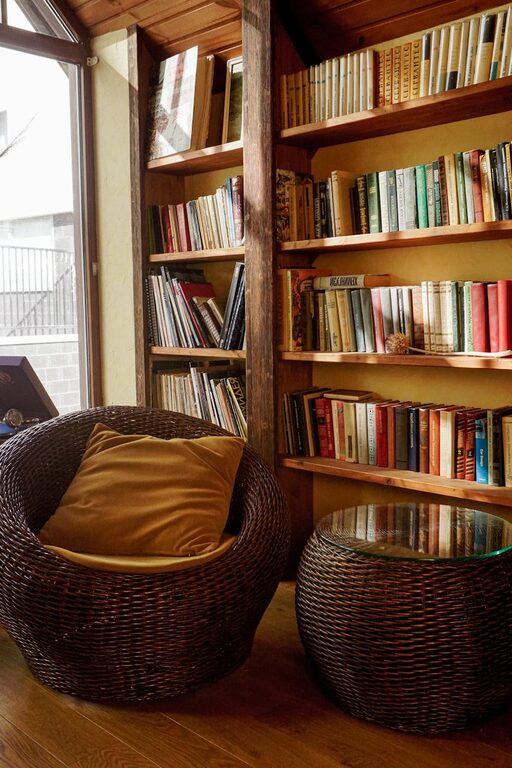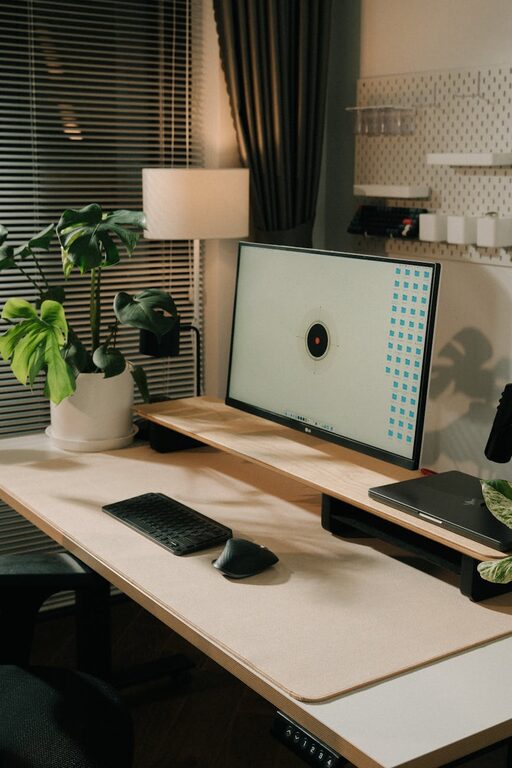
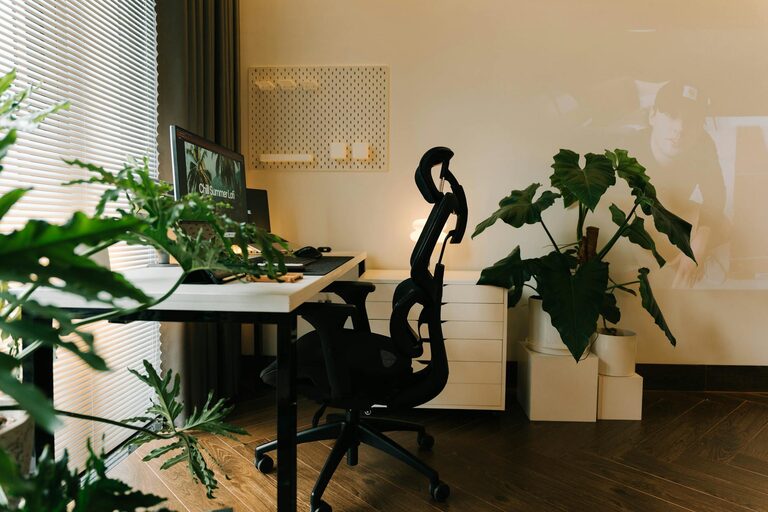
Creating a comfortable and inviting home office space can make a big difference in your daily work routine. Whether you’re working full-time from home or just need a spot for occasional tasks, a cozy workspace helps you stay focused and enjoy the time you spend there. Here are some helpful tips to design a home office that feels both warm and efficient.
Choose the Right Location
Finding the best spot for your home office is the first step.
– Natural Light: Try to place your desk near a window. Natural light boosts mood and energy levels.
– Quiet Space: Pick a quieter part of your home to minimize distractions.
– Space Considerations: Ensure you have enough room for your desk, chair, and storage without feeling cramped.
Invest in Comfortable Furniture
Comfort plays a big role in how productive and happy you’ll be in your office.
– Ergonomic Chair: Choose a chair that supports your back and encourages good posture.
– Desk Height: Your desk should allow your arms to rest at a comfortable angle.
– Flexible Options: Consider adjustable desks if you want the ability to sit or stand.
Add Soft Textiles for Warmth
Soft materials can instantly make a space feel cozy.
– Rugs: Place a soft area rug under your desk to add warmth and reduce noise.
– Throw Blankets and Cushions: Keep a throw or pillow nearby for comfort during long work sessions.
– Curtains: Use fabric curtains to soften the room and control light levels.
Use Pleasant Lighting
Good lighting helps reduce eye strain and creates a welcoming atmosphere.
– Layered Lighting: Combine overhead lighting with task lighting like desk lamps.
– Warm Bulbs: Choose bulbs that emit warm, soft light to create a calming mood.
– Adjustable Lights: Use dimmers or adjustable lamps to customize the lighting for different activities.
Personalize Your Workspace
Adding personal touches makes your office more inviting and enjoyable.
– Plants: Incorporate a few plants to bring life and fresh air to your space.
– Artwork and Photos: Hang art or display photos that inspire and motivate you.
– Decor Items: Use small, meaningful decorations that reflect your personality without cluttering your desk.
Keep the Space Organized
A tidy workspace promotes focus and reduces stress.
– Storage Solutions: Use shelves, drawers, or baskets to keep supplies organized.
– Cable Management: Hide or secure cables to keep the desk area neat.
– Daily Decluttering: Spend a few minutes each day putting things back in place.
Incorporate Calming Colors
Colors can influence how you feel and perform.
– Neutral Tones: Soft beige, gray, or pastel colors create a peaceful backdrop.
– Accent Colors: Add pops of your favorite colors through accessories to boost creativity.
– Avoid Overly Bright Colors: Very bright or dark shades may be distracting in a work setting.
Maintain Good Air Quality
A fresh environment helps keep your mind clear.
– Ventilation: Open windows when possible to let in fresh air.
– Air Purifiers: Consider a small air purifier if your space is closed off.
– Plants: Some houseplants naturally improve air quality.
Set Boundaries for Work and Relaxation
Using your home office only for work can help maintain balance.
– Separate Work and Break Areas: If space allows, keep a small area for relaxing nearby.
– End-of-Day Routine: Close your laptop and organize your desk at the end of each workday to signal a time to unwind.
By combining these tips, you can create a home office space that not only looks inviting but also supports your productivity and well-being. Remember, the best workspace is one tailored to your needs and style. Take your time to experiment and adjust until it feels just right.